AI video model by ByteDance

Seedance 2.5 AI Video Generator

Try Seedance 2.5 online: generate one continuous AI video of up to 30 seconds from a text prompt or a single photo, with sound rendered in the same pass.

Try

Seedance 2.5 examples

Seedance 2.5 video examples

Unedited Seedance 2.5 outputs, each generated from a short prompt or a single image.

A five-piece dance group on a mirrored stage
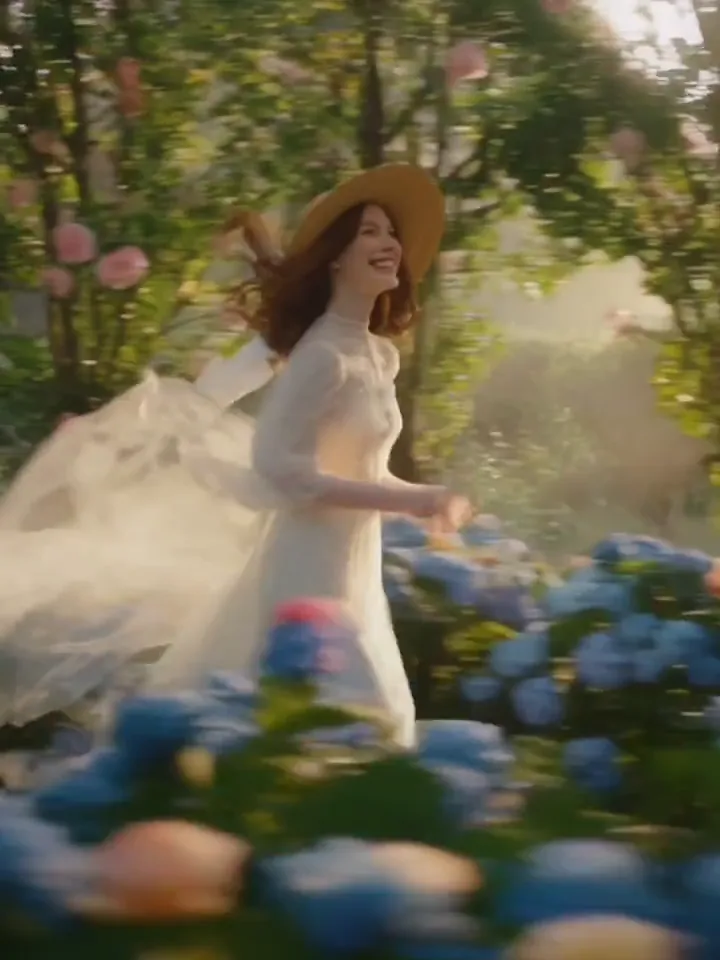
A fashion film in a field of flowers
A desert lizard in a 3D juice ad
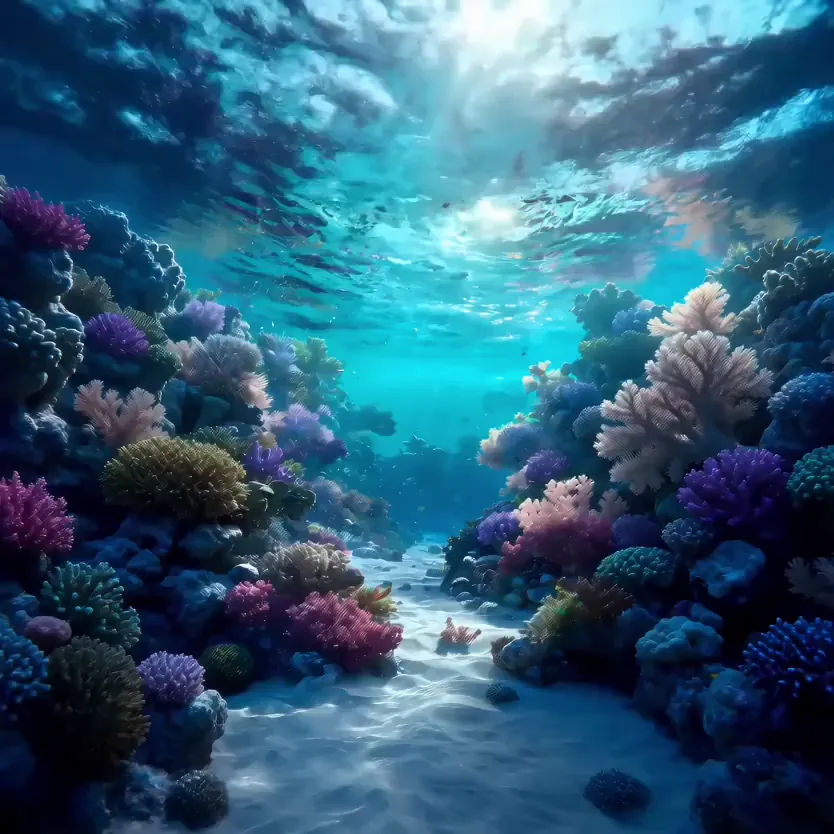
A coral reef in one long underwater glide
A product film from one photo of a washing machine
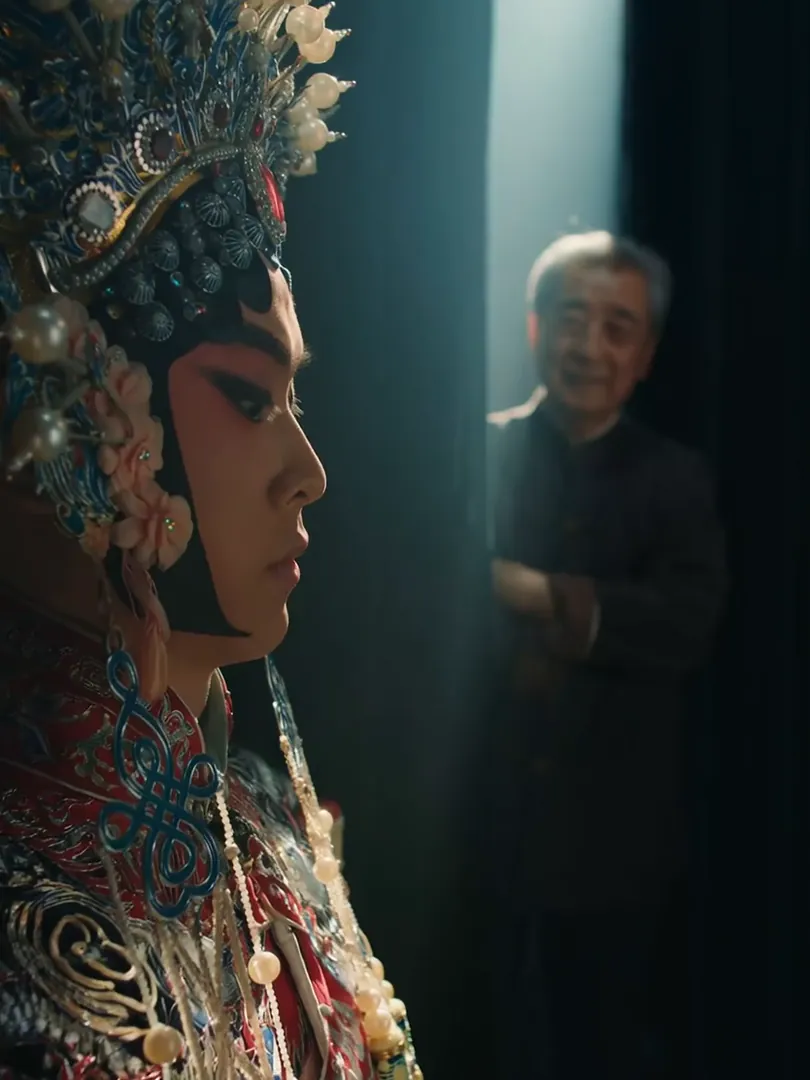
Backstage at a Peking Opera troupe

Seedance 2.5 features

0130-second single takes

Seedance 2.5 doubles the maximum length of Seedance 2.0: one generation can run from 4 to 30 seconds. That is enough for a full story beat with setup and payoff, a product shown from every side, or a walk through a space, with no need to stitch clips together and hope they match.

02Full ads in one clip

Thirty seconds is a standard ad length. Write the prompt as a short sequence (opening image, action, closing shot) and let one clip carry it start to finish. Keeping everything in one run avoids the jumps in lighting, wardrobe and character that appear when joining separate clips.

03Length over resolution

Seedance 2.5 renders at 480p or 720p with no higher option; that is the model’s own limit and the trade-off for longer takes. On phones and social feeds, where most clips are watched, 720p looks good. Draft at 480p while refining the prompt, then render the final take at 720p.

04Sound for the full 30 seconds

Audio is generated with the video across the whole clip, so the ambience of a 25-second scene stays consistent instead of resetting. Describe the room tone, sound effects and music mood in your prompt, or turn audio off in the settings bar if you will add your own soundtrack.

05Keeps your photo’s aspect ratio

In image to video mode, Seedance 2.5 keeps your image’s aspect ratio: a vertical phone photo makes a vertical clip, a wide landscape makes a wide one. There is no ratio setting, so crop the image to the frame you want before uploading.

06Six aspect ratios in text mode

From a text prompt, choose 9:16 for TikTok, Reels and Shorts, 16:9 for YouTube, 1:1 or 3:4 for feeds, 4:3 for a classic frame, or 21:9 for a cinematic widescreen look. Every ratio works with every length from 4 to 30 seconds, including long vertical takes.

Seedance 2.5 specs

Developer
ByteDance
Modes
Text to video · Image to video
Duration
4–30s4s · 5s · 6s · 8s · 10s · 12s · 15s · 20s · 25s · 30s
Resolution
480p · 720p
Aspect ratios, text to video
9:1616:91:13:44:321:9
Aspect ratios, image to video
Keeps image ratio
Sound
Generated with the picture, can be turned off
2.5

Seedance 2.5

Single takes up to 30 seconds, with sound

  • 4–30 s in one take
  • 480p or 720p
  • Keeps your photo’s aspect ratio
Create · Seedance 2.5

How to use Seedance 2.5

  1. 01

    Write a prompt or add a photo

    Describe the clip in order: how it opens, what happens, how it ends and what it sounds like. For image to video, drop a photo into the first-frame slot; its aspect ratio becomes the clip’s.

  2. 02

    Set duration and resolution

    Pick any duration from 4 to 30 seconds and 480p or 720p. In text mode, also choose one of six aspect ratios. Longer clips use more credits, so test the prompt short and at 480p first, then go long.

  3. 03

    Generate and download

    Press Create; the button shows the credit cost before you pay. Sign in or top up only when prompted, then download the finished MP4. Every clip is also saved in My videos.

Seedance 2.5 FAQ

What is Seedance 2.5?

Seedance 2.5 is ByteDance’s AI video model and the successor to Seedance 2.0. It generates video from a text prompt or a starting image, with sound created alongside the picture. The biggest upgrade is length: one clip can run up to 30 seconds. Use it on this page, or select it in the text to video and image to video tools.

How long can a Seedance 2.5 video be?

From 4 to 30 seconds in one generation, with options of 4, 5, 6, 8, 10, 12, 15, 20, 25 and 30 seconds. Credits are charged per second, so a 30-second take costs more than a short one. Test the prompt at a short length first, then go long once the motion looks right.

Does Seedance 2.5 support 1080p?

No. Seedance 2.5 renders at 480p or 720p only. That is the model’s own limit, not a restriction on this site: it reaches 30 seconds but stops at 720p. For phone and social viewing, 720p looks good. If you need higher resolution for a clip of 15 seconds or less, MiniMax H3 renders in 2K.

Does Seedance 2.5 generate sound?

Yes. Seedance 2.5 renders audio with the picture for the whole clip: ambient sound, effects, and music when you ask for it. Write the sound into the prompt, for example “wind against the microphone, distant traffic, no music”. Turn audio off in the settings bar if you plan to add your own soundtrack.

Can I choose the aspect ratio in Seedance 2.5 image to video?

No. In image mode, Seedance 2.5 keeps your uploaded image’s aspect ratio, so there is no ratio setting. Crop the photo before adding it: 9:16 for vertical, 16:9 for wide. In text to video mode you can choose 9:16, 16:9, 1:1, 3:4, 4:3 or 21:9.

How much does Seedance 2.5 cost?

Seedance 2.5 is priced per second by duration and resolution, and the exact credit cost appears on the Create button before you pay. Credits are sold in one-time packs and never expire. Failed renders are refunded automatically, so you only pay for finished clips.

What happens to my uploaded image?

It is used only to make your video and is deleted when you delete that video. The finished video stays in My videos, where you can replay and download it. Only upload images you have the right to use, and never upload photos of other people without their consent.

Seedance 2.5 vs Seedance 2.0 vs MiniMax H3: which is better?

Choose Seedance 2.5 when you need more than 15 seconds in one take; it reaches 30 seconds at 480p or 720p and follows the photo’s ratio in image mode. Seedance 2.0 tops out at 15 seconds but lets you choose the ratio in image mode. MiniMax H3 makes 4 to 15 seconds in 2K, always with sound.

Other AI video models

Same prompt box, different strengths. Switch any time with the model button.